
Skip to content

Get it confirmed while it is fresh.

Log an activity in the format your application service uses, then let the person who was there agree to the exact wording, dates and hours.

A ruled record sheet and a pencil on a pale desk
An empty institutional corridor at dusk, seen through a plain glass door

Memories drift. Supervisors move on.

Applications ask for years of activity, each one backed by a person who may be hard to reach later. People change jobs, phone numbers change, and hours get remembered differently by the two of you.

Schools can contact your verifiers to check your sketch. The gap that hurts is agreement: what you wrote, against what your verifier would say.

OMSAS asks you to name a verifier for each activity, and its text fields are very short.

How it works

Three steps, one of them on someone else's phone.

  1. Step one

    Log it the week it happens

    Category, dates, hours and a description that fits the exact character limit of the form you are applying with. Private notes stay private.

  2. Step two

    One email, one page

    Your verifier opens a link. No account, no password. They see only the entries you sent them, and they can confirm, suggest a change or say they cannot.

  3. Step three

    Agreement, or a flag

    Edit a confirmed entry and it is marked changed, with the before and after side by side, so you always know what your verifier actually agreed to.

What your verifier sees.

The page opens straight from the email. One card per entry, three plain actions, and a thank-you line at the end. Under a minute, on a phone.

Hospital wayfinding volunteer

Sunnybrook Health Sciences Centre / Volunteer

SENT
Dates2025-05-06 to 2025-08-22
Hours4 hours a week for 15 weeks (Summer)
DescriptionGuided patients and visitors between clinics, ran the welcome desk on Saturday mornings, and logged 60 hours over the summer term.
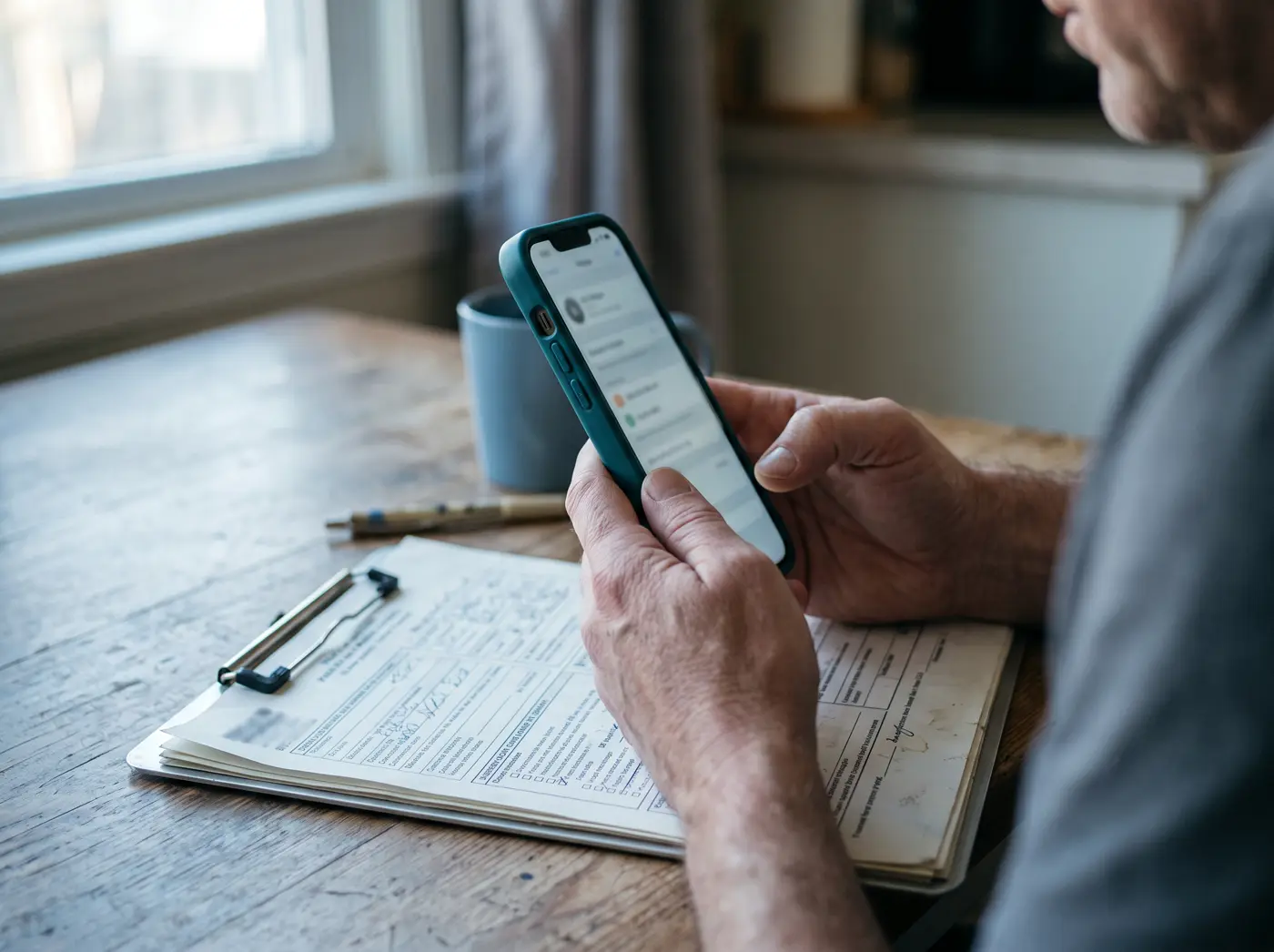
Yes, this is correct

One tap. The wording, dates and hours on screen become the agreed record.

Something needs changing

Correct the hours, the dates or the wording, with an optional note. You see exactly what changed and accept or reject it.

One email, never a nudge campaign

One request, at most one reminder a week later, and never twice in a day. Every email carries a "do not contact me again" link.

Formats

Every field, capped exactly.

The counter in the editor matches the limit of the format you picked. It shows you when you are over, and it will not save an entry that is.

OMSAS ABS150 charsSix categories, 150 characters for the description, and hours split by summer or academic year. 6 categories.
AMCAS700 chars700 characters for the description. Hours are recorded as a single total. 6 categories.
Genericyou set itYou set the character limit yourself, for schools whose instructions are not covered above. 5 categories.

Add another school only after checking that school's official instructions for the cycle you are applying in. Generic covers anything not listed above.

Free until it matters, then one payment for the cycle.

Five activities free, with the OMSAS preset and every counter. The cycle pass adds unlimited activities, the PDF verification record and every format preset.

Or stay on the free plan. Nothing you have already logged expires. Test price CAD $19.

  • It does not submit anything to OMSAS, AMCAS or any school.
  • It does not write or rewrite your descriptions.
  • It does not contact admissions offices, ever.